A rebuilt Add Device workflow makes setting up Verdi devices easier and faster than before.
Release
What's new
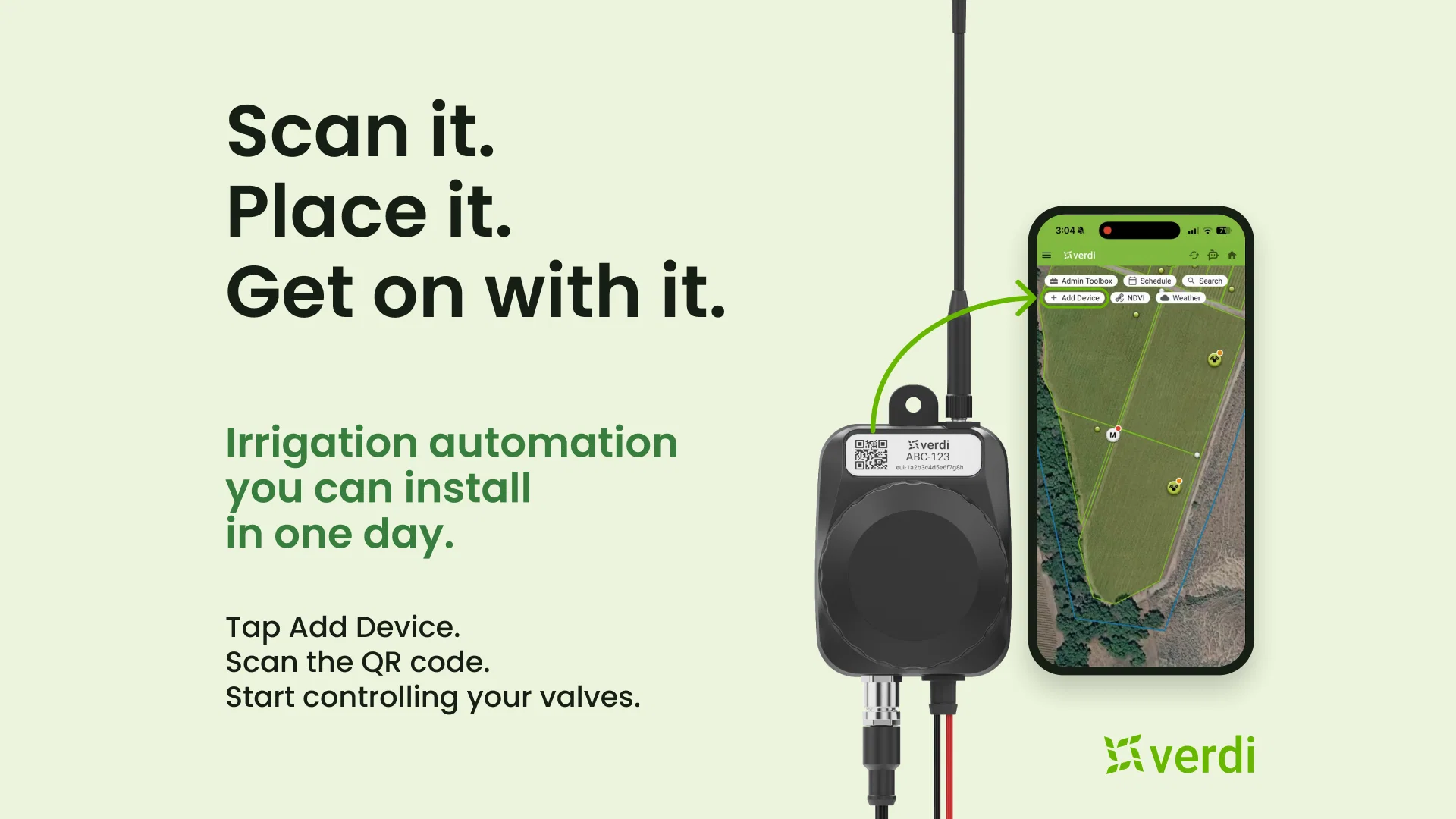
Adding a device is now one guided flow in the Verdi app. Tap Add Device, scan the QR code, and the app recognizes the device for you. Place it on the map, complete configuration and a live connection status will show when it's talking to Verdi, so you know it's working before you walk away.
Why it matters
- Fewer trips back to the field. You confirm the device is connected on the spot, instead of finding out later that it never came online.
- Less setup on every move. For berry and vegetable growers who move irrigation several times a year, setup is a recurring cost. A guided scan cuts it down each time.
- Fewer calls to support. Mistakes like a wrong device type or a duplicate ID are caught right after you scan, not at the last step.
How to get it
Available now to every Verdi customer in all markets, at no cost. There's nothing to update or migrate, and devices you've already registered aren't affected.
Learn more: docs.verdi.ag/docs/add-device